
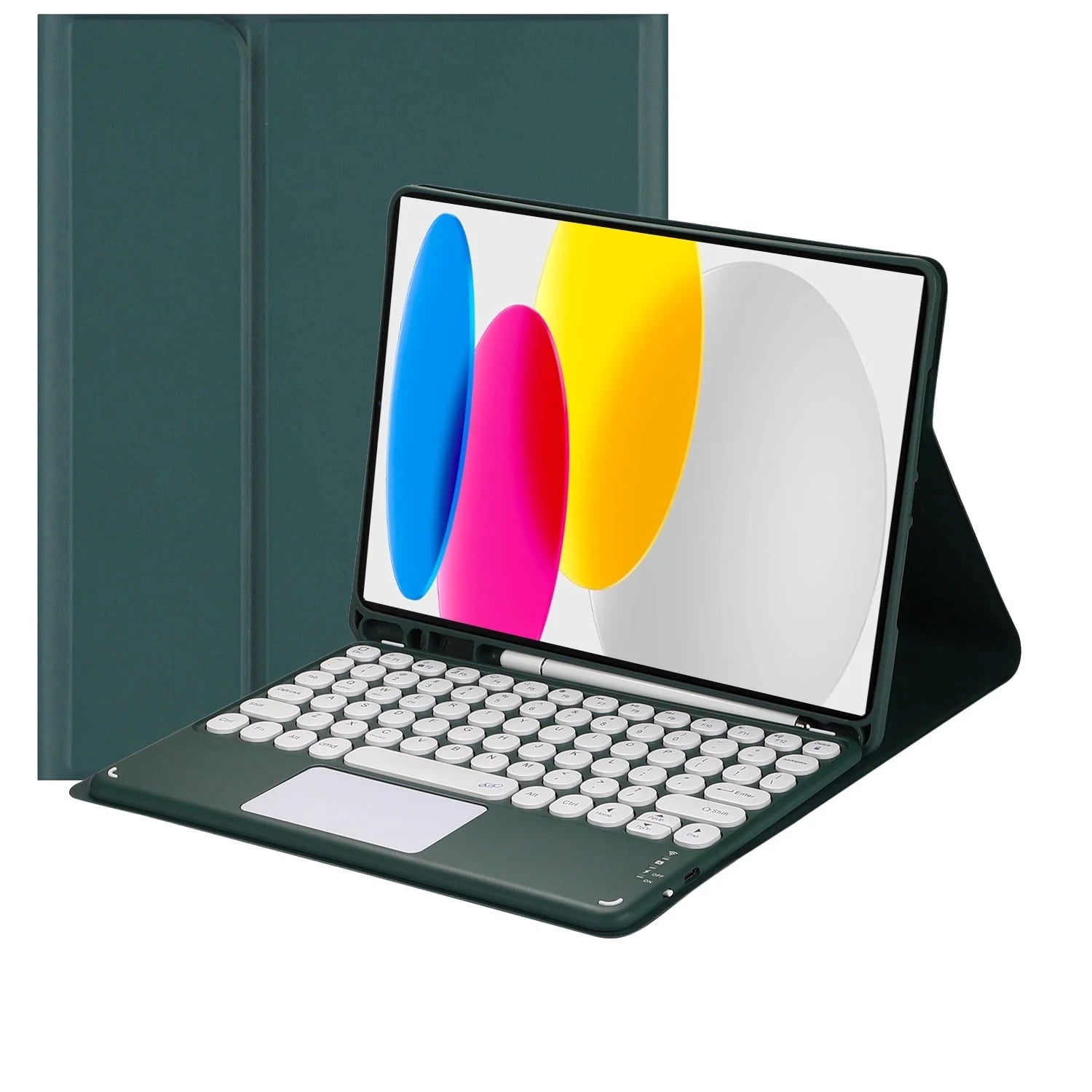
Magnetic Detachable Bluetooth Touch Keyboard for iPad (A16) 11th Generation 11-inch (2025) iPad 10th Generation 10.9-inch (2022) Case Round-cap keyboard
Product details
| Management number | 230338769 | Release Date | 2026/06/18 | List Price | US$15.95 | Model Number | 230338769 | ||
|---|---|---|---|---|---|---|---|---|---|
| Category | |||||||||
<p>How to connect this keyboard to iPad</p><p>1: turn on the power button on the right side of the keyboard.</p><p>(The power indicator will go out after flashing. This is to save power, not fault)</p><p>2: Press the "FN" key in the lower left corner of the keyboard, do not release it, and then press the "C" key .</p><p>(Note: You need to press FN+C at the same time)</p><p>At this time, you can see the Bluetooth indicator flashing,</p><p>This turns on the Bluetooth of the keyboard.</p><p>3: From the iPad's home screen, tap Settings. Tap on Bluetooth.</p><p>Make sure Bluetooth is set to On, then let it search for devices.</p><p>Tap on a Bluetooth keyboard, when it appears, to pair.</p><p>4: if an authentication (PIN) code appears on the iPad screen,</p><p>Enter the number with the keyboard and press the "Enter" key .</p><p>5: When the connection is complete, the Bluetooth indicator will go out,</p><p>6: This is a 3-system keyboard,</p><p>If you are using this keyboard on your iPad,</p><p>Please press "FN" key first, don't release it, then press "E" key,</p><p>This is a system for the iPad</p><p>About the iPad scroll direction:</p><p>Apple's products are different from windows products,</p><p>In iPad default settings, iPad scroll direction moves in the opposite direction.</p><p>If you don't like the opposite scroll direction,</p><p>Please Switch off the following setting for your iPad:</p><p>Settings>General>Trackpad & Mouse>Natural Scrolling</p>
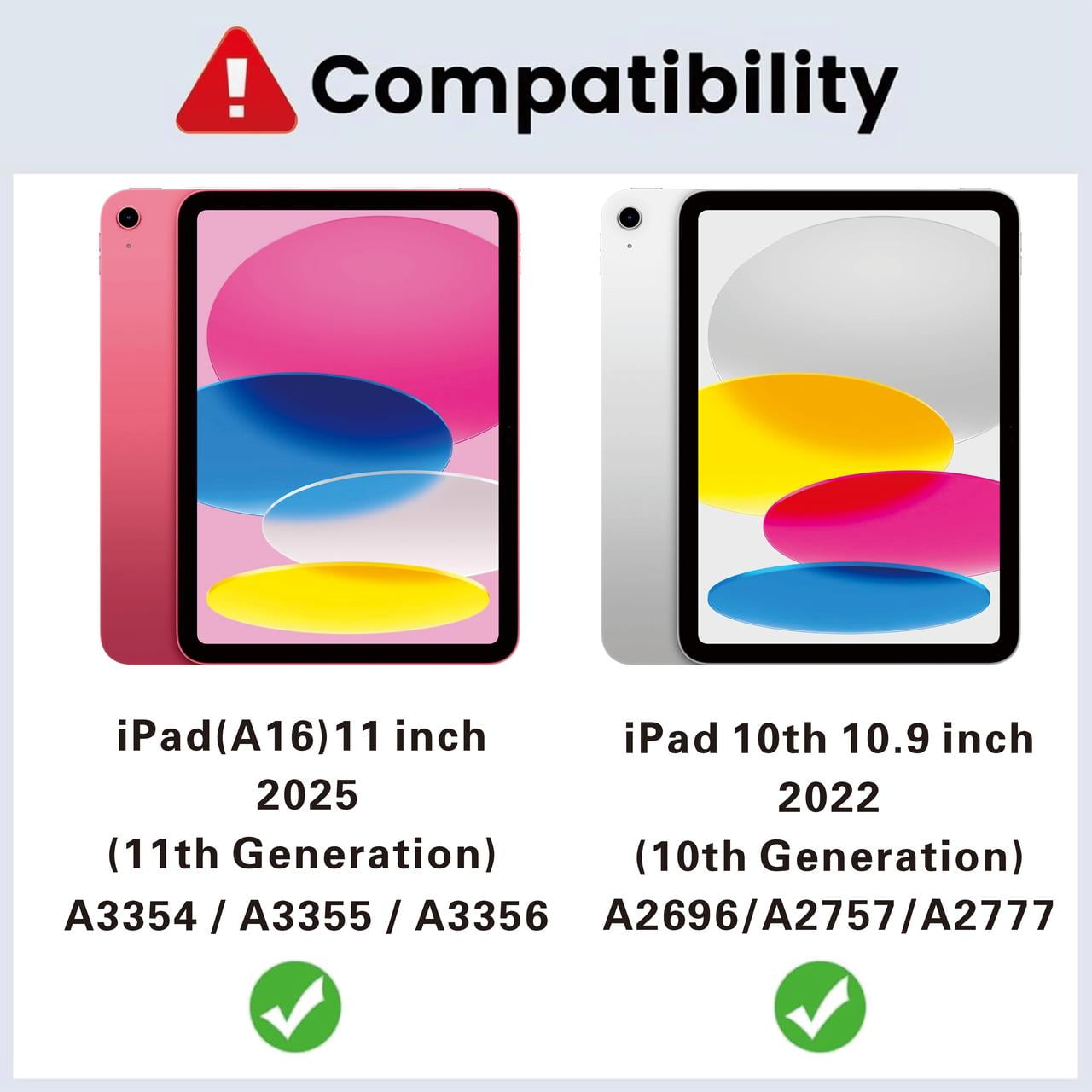
- Compatibility: Compatible with the new iPad (A16) 11th Generation 11 Inch 2025 (Model Number: A3354 / A3355 / A3356), iPad 10th Generation 10.9 Inch Tablet 2022 Release (Model Number: A2696 / A2757 / A2777 / A3162). Note: It will not be compatible with other iPad Models.
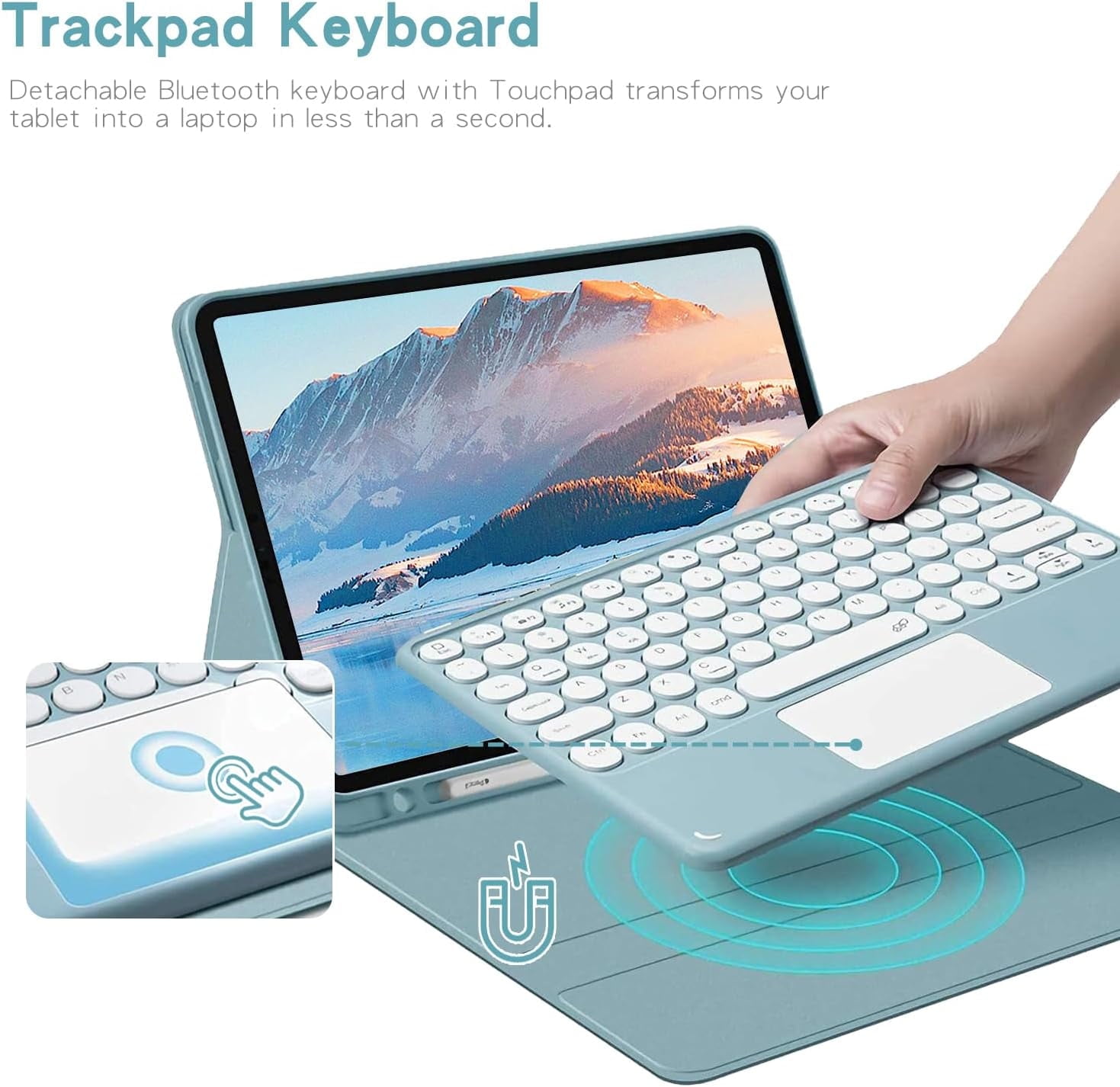
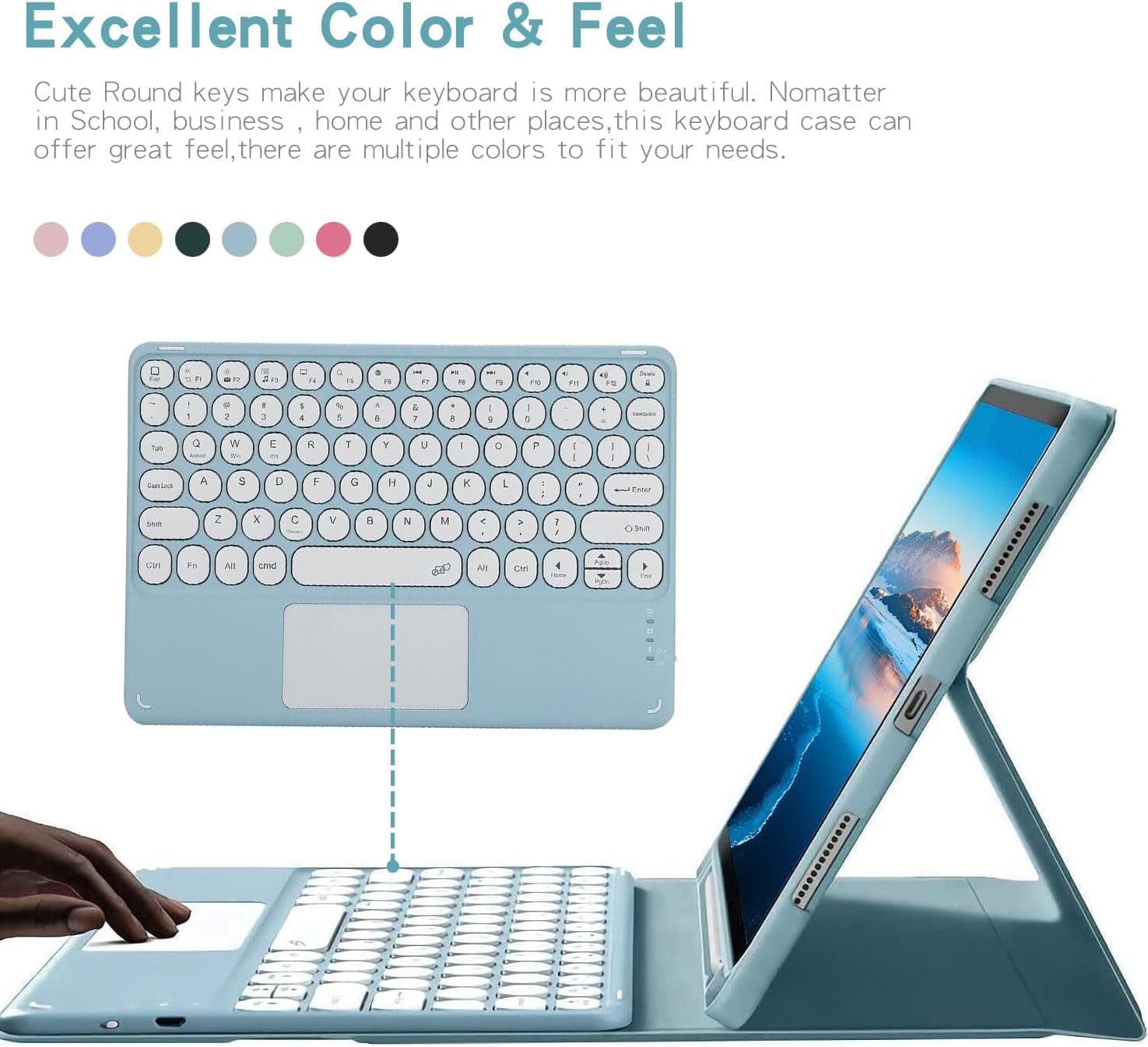
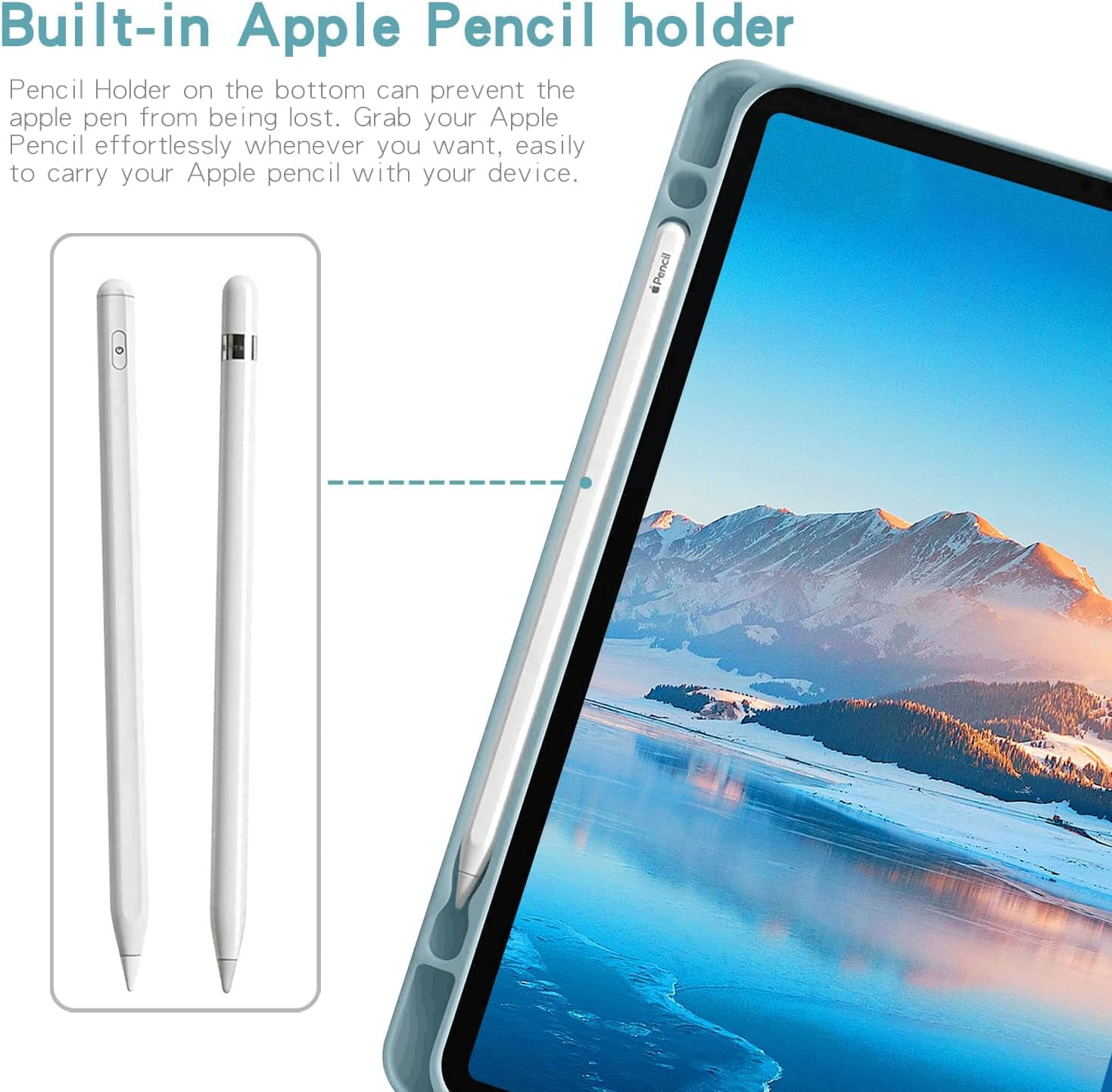
- Trackpad Keyboard Detachable Bluetooth keyboard with Touchpad transforms your tablet into a laptop in less than a second. ( Notice: To use the keyboard touchpad, Please go to the iPad accessibility setting to turn on the assistive touch function first ,and Upgrade Your iPad Software to iOS 13.0 Version or above)Built-in Apple Pencil holder Pencil Holder on the bottom can prevent the apple pen from being lost. Grab your Apple Pencil effortlessly whenever you want, easily to carry your Apple pencil with your device. Apple Pencil not included!
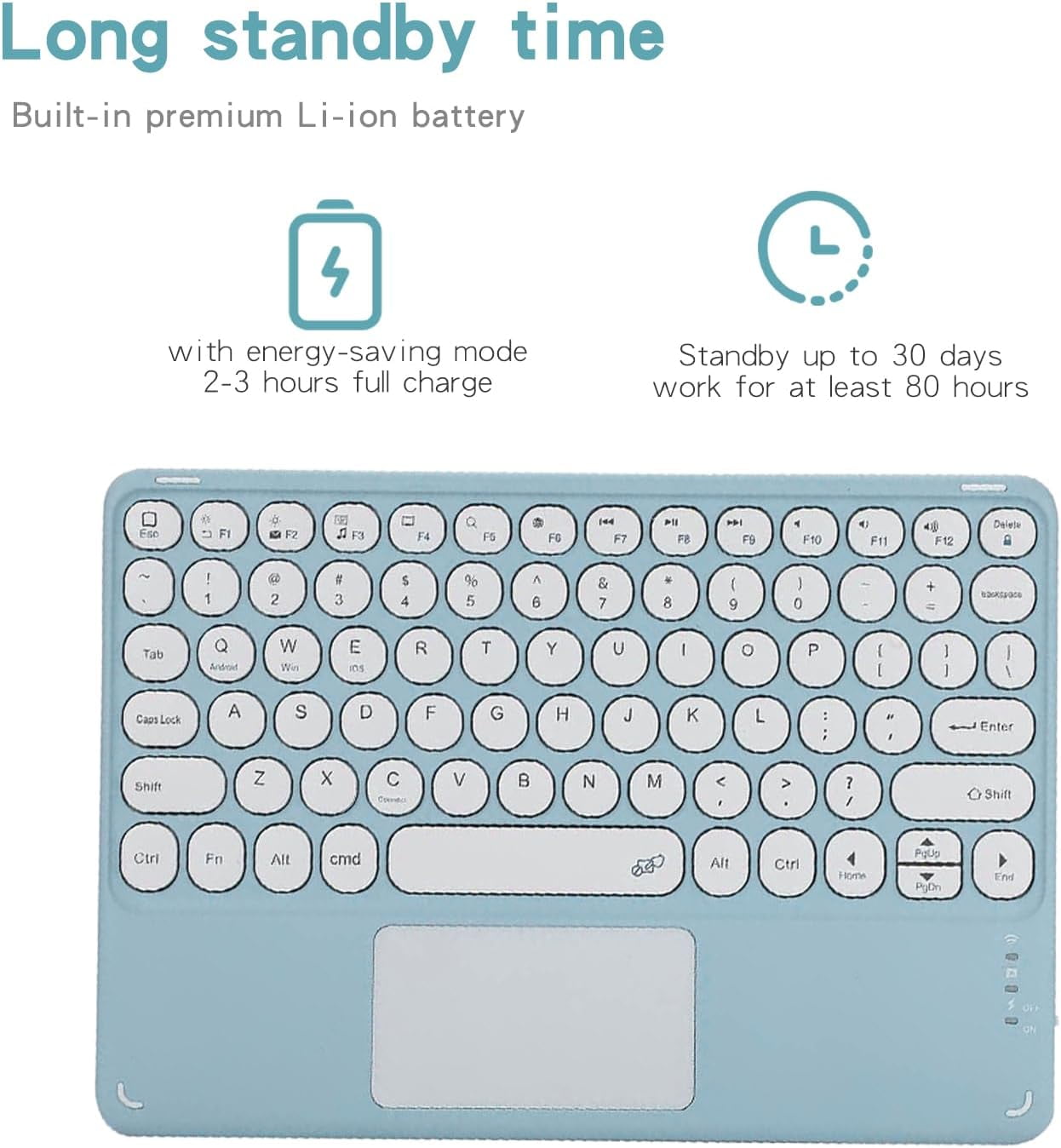
- Long standby timeBuilt-in premium Li-ion battery with energy-saving mode, 2-3 hours full charge, Standby up to 30 days,work for at least 80 hours.
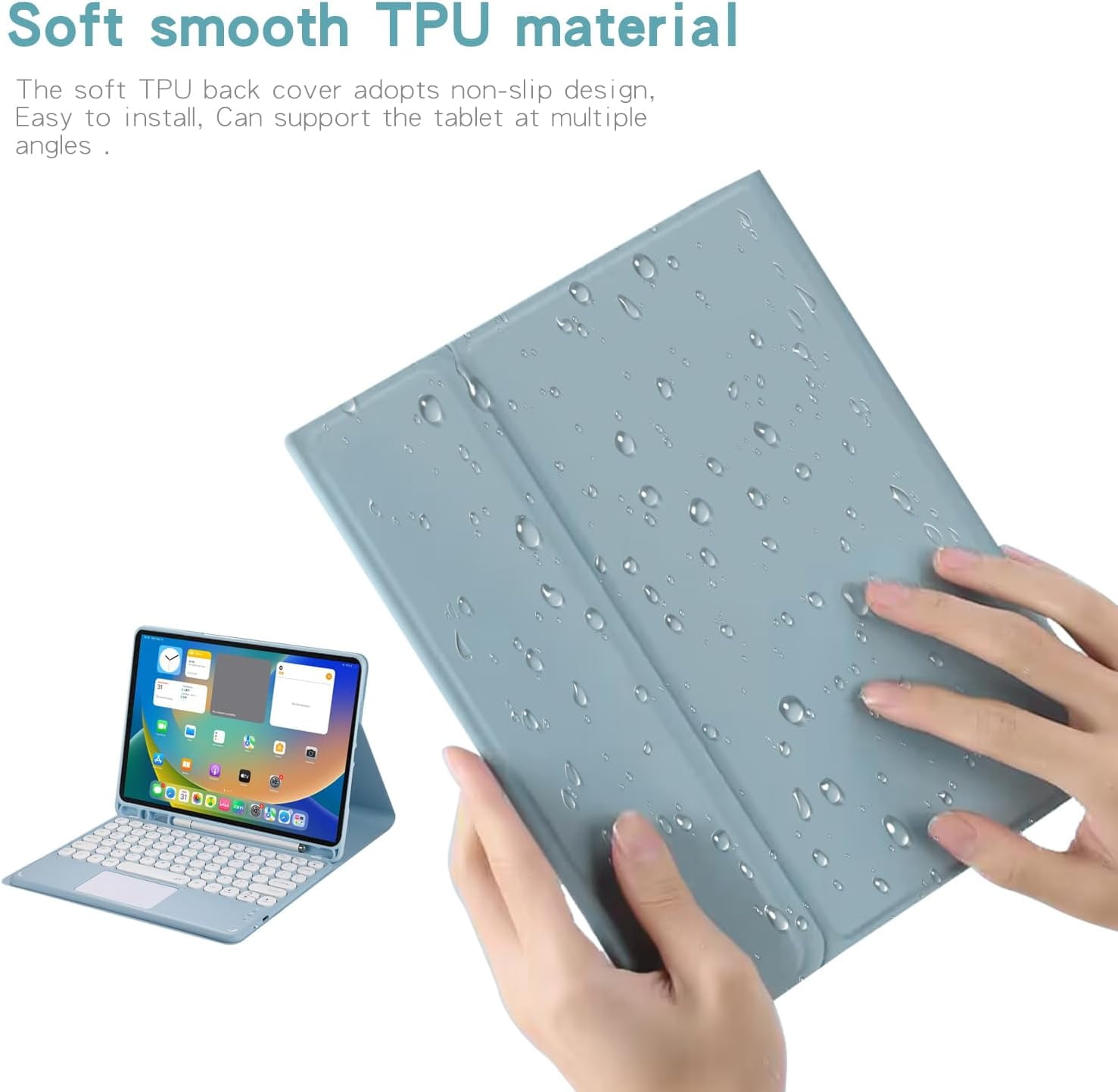
- Soft smooth TPU material The soft TPU back cover adopts non-slip design, Easy to install, Can support the tablet at multiple angles .
| Compatibility | iPad 11th 10th 10.9 Inch |
|---|---|
| Screen size | 11 in |
| Case style | Hard |
| Brand | DSR |
| Color | Darkgreen |
| Model | 34546l |
| Has written warranty | No |
| Count | 1 |
Bestseller ranking
Pipe Cleaners




Customers who viewed this product also viewed
Motor Mounts



Correction of product information
If you notice any omissions or errors in the product information on this page, please use the correction request form below.
Correction Request Form